Skip to content

Offline AI survival deviceNo signal needed

Keep answers where you keep the flashlight.

OffGridOne is a rugged device for outages, storms and roads with no signal. Its AI and its library live on the device itself. Type or speak a question. It answers with no internet and no cell service.

  • Shipping included
  • 30-day returns
  • One-year warranty
A hand holds the OffGridOne device on a forest ridge at dusk. The screen shows a real Ask answer to "I have no cell signal and I do not know how to get home", marked as the AI’s own knowledge.

Real answer on screen. Illustration.

Every order includes a Faraday bag to store it in.

$999.99Estimated lead time: 1 week before dispatch.

Shipping: Standard shipping is included with your OffGridOne order. Carrier transit time is additional to the estimated one-week lead time.Returns: 30-day returns from delivery. Buyer pays return postage unless the item is defective.Warranty: One-year limited warranty from delivery, provided by OffGridOne (ArkNet Solutions Inc.).Fees: no subscription and no ongoing fees

  • Search
  • Ask
  • Maps
  • Guides and Books
  • Wikipedia
  • Plants
  • Translate
  • Camera
  • Clock
  • Compass
  • Morse
  • Notes
  • Sky Map
  • Tracks
  • Religious Texts
  • Games
  • Store
  • Settings
  • Help

Watch

Meet OffGridOne.

See the AI, library and maps in action.

Watch more

The power went out at six.The Wi-Fi went with it.Cell service dropped around nine.Someone asks if the food in the fridge is still good.OffGridOne is in the drawer by the flashlight, ready to ask.

Almost everything we use to get answers needs a network: search, maps, video, even a call for help. Most outages are short. This is for the rare long one, when the questions are the fridge, the generator and the road home.

What still works

  • PowerOut
  • Wi-FiDown
  • Cell serviceNo service
  • OffGridOneReady to ask
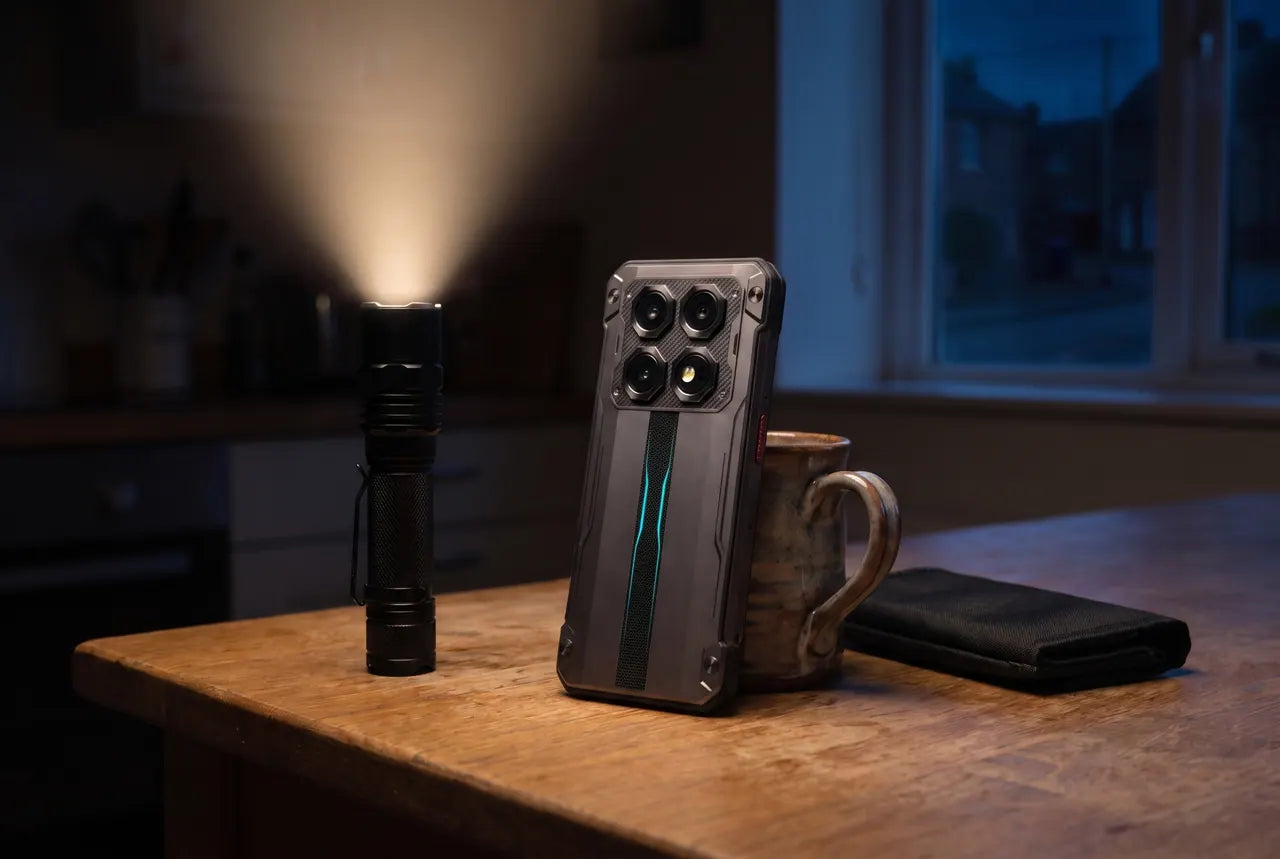
OffGridOne offline AI survival device on a kitchen table at night beside a flashlight standing on end as a lamp
About 2 hours
Power lost by the average U.S. customer in a year, leaving out major events such as big storms
Source: EIA
11 hours
The 2024 average with major events counted. The most in ten years
Source: EIA
80%
Share of those 2024 hours caused by major events such as hurricanes
Source: EIA

What it says back

Real answers, word for word.

We asked the device these questions with every radio switched off, and copied what it said. Nothing is edited. A real answer is not instant: a full answer takes 24 to 57 seconds, measured on the device on November 11 and 15, 2026. Under each answer the device says whether it came from the library or from the AI itself.

Choose a question to see the answer

Ask

DONE · 31 s

Real answer

I have no cell signal and I do not know how to get home. What now?

On this device

  • Morse: SOS flashes the light and buzzes the phone in the distress pattern.
  • Camera: also the torch: a steady light, or something to signal with at night.

First, use the Morse app to send an SOS signal using the light and buzzer. Then, use the Camera app as a torch to signal for help in the dark. Try to find a high point or an open area where you can be seen from the air. If you have a whistle, use it to attract attention. Stay put and signal for help until you are found.

Own knowledge · not found in the library

Ask

DONE · 52 s

Real answer

How do I jump start a car engine?

To jump start a car engine, follow these steps:

  1. Ensure both cars are turned off and the keys are removed from the ignition.
  2. Connect one end of the red (positive) jumper cable to the positive terminal on the dead battery.
  3. Connect the other end of the red (positive) jumper cable to the positive terminal of the good battery.
  4. Connect one end of the black (negative) jumper cable to the negative terminal of the good battery.
  5. Connect the other end of the black (negative) jumper cable to a clean, unpainted metal surface on the car with the dead battery, away from the battery itself (e.g., a shiny, clean nut on the engine block).
  6. Start the engine of the car with the good battery and let it run for a few minutes.
  7. Attempt to start the car with the dead battery. If it doesn't start, let the good battery charge for a few more minutes and try again.
  8. Once the car with the dead battery starts, let both engines run for a few more minutes to ensure a good charge.
  9. Carefully disconnect the jumper cables in the reverse order you connected them, starting with the black (negative) cables and ending with the red (positive) cables.
  10. Keep the jumped car running for at least 30 minutes to allow the battery to recharge. If the car dies again soon after shutting it off, the battery may need to be replaced.

Remember, safety is important when jump-starting a car. Always wear protective gloves and eyewear, and avoid touching any moving parts in the engine compartment.

Own knowledge · not found in the library

Ask

DONE · 55 s

Real answer

How do I change a flat tire?

To change a flat tire, follow these steps:

  1. Find a safe location: Pull off the road to a flat, stable surface away from traffic. Turn on your hazard lights and apply the parking brake.
  2. Gather tools: You'll need a spare tire, lug wrench, and jack. If your vehicle has them, also have wheel wedges and gloves.
  3. Loosen the lug nuts: Before lifting the vehicle, use the lug wrench to slightly loosen the lug nuts on the flat tire. Do not remove them completely yet.
  4. Position the jack: Consult your vehicle's manual for the proper placement of the jack. Generally, it should be under the vehicle frame near the flat tire. Use the jack to lift the vehicle off the ground until the tire is about 6 inches off the ground.
  5. Remove the lug nuts and tire: Finish removing the lug nuts and carefully take off the flat tire.
  6. Mount the spare tire: Place the spare tire onto the wheel studs. Hand-tighten the lug nuts onto the studs.
  7. Lower the vehicle: Use the jack to lower the vehicle back onto the ground. Remove the jack once the vehicle is fully on the ground.
  8. Fully tighten the lug nuts: With the vehicle on the ground, use the lug wrench to fully tighten the lug nuts in a star pattern for even pressure.
  9. Clean up: Put all tools and the flat tire back into your vehicle. Check the spare tire's pressure and ensure it's safe to drive on.

Remember, a spare tire is not meant for long distances or high speeds. Drive cautiously and get the flat tire repaired or replaced as soon as possible.

Own knowledge · not found in the library

Ask

DONE · 27 s

Real answer

What are the signs of hypothermia?

The signs of hypothermia include altered mental status, such as confusion, slurred speech, strange behavior, irritability, impaired judgment, hallucinations, or fatigue. As hypothermia worsens, the victim will lose consciousness and eventually slip into a comatose state.

From the library

  • Trapper Education Manual, page 88
  • USMC Wilderness Medicine Course Student Handbook, page 73
  • USMC Winter Survival Course Handbook, page 129

Ask

DONE · 24 s

Real answer

How long should I boil water to make it safe to drink?

Boil the water for at least one minute to make it safe to drink.

Own knowledge · not found in the library

Ask

DONE · 34 s

Real answer

How do I signal for help if I am lost?

On this device

  • Maps: your position on an offline map. Turn Location on (pull down) and press LOCATE. No GPS? Put the cross-hair on where you are and press I AM HERE.
  • Compass: which way you face (true or magnetic north), your grid reference, the sun and moon, and the direction and distance to a saved point. MARK saves where you are.
  • Tracks: START RECORDING keeps a trail you can follow back. No GPS? WALKING ESTIMATE keeps your position by your steps.
  • Sky Map: no GPS and no landmarks? FIX works out roughly where you are from the stars, the moon or the sun.

Use the Sky Map app to locate the sun or stars. When the sun is up, use the compass to follow a heading and mark your location on the map. At night, use the Sky Map app to identify constellations and remember their positions. Create a signal using rocks, branches, or debris in a large, visible pattern on the ground, such as "SOS" or a large X. Use the flashlight on your phone to create a blinking signal if possible.

Own knowledge · not found in the library

Answers marked Real answer are the device’s own words, captured from the device on November 11, 2026 and November 15, 2026 with every radio off. Nothing is edited. The timer is the app’s own. Ask can be wrong, so check anything that matters.

Reference guidance, not medical care. If you can reach 911, call.

  • GPS, Wi-Fi and Bluetooth start switched off, and the device starts silent.
  • Nothing phones home.
  • It runs a stripped-down Android 15: no Play Store, no Google services, no ads and no accounts.

One kit item, not the whole kit. Ready.gov’s supply list includes "emergency reference material such as a first aid book". This can be that. Keep the paper map and the radio too.(Ready.gov)

See everything on the device

A closer look

Real screens from a real unit.

Every screen on this site is a capture from the device, set into the device in code. Nothing is redrawn. Under each feature is what we checked on the unit itself.

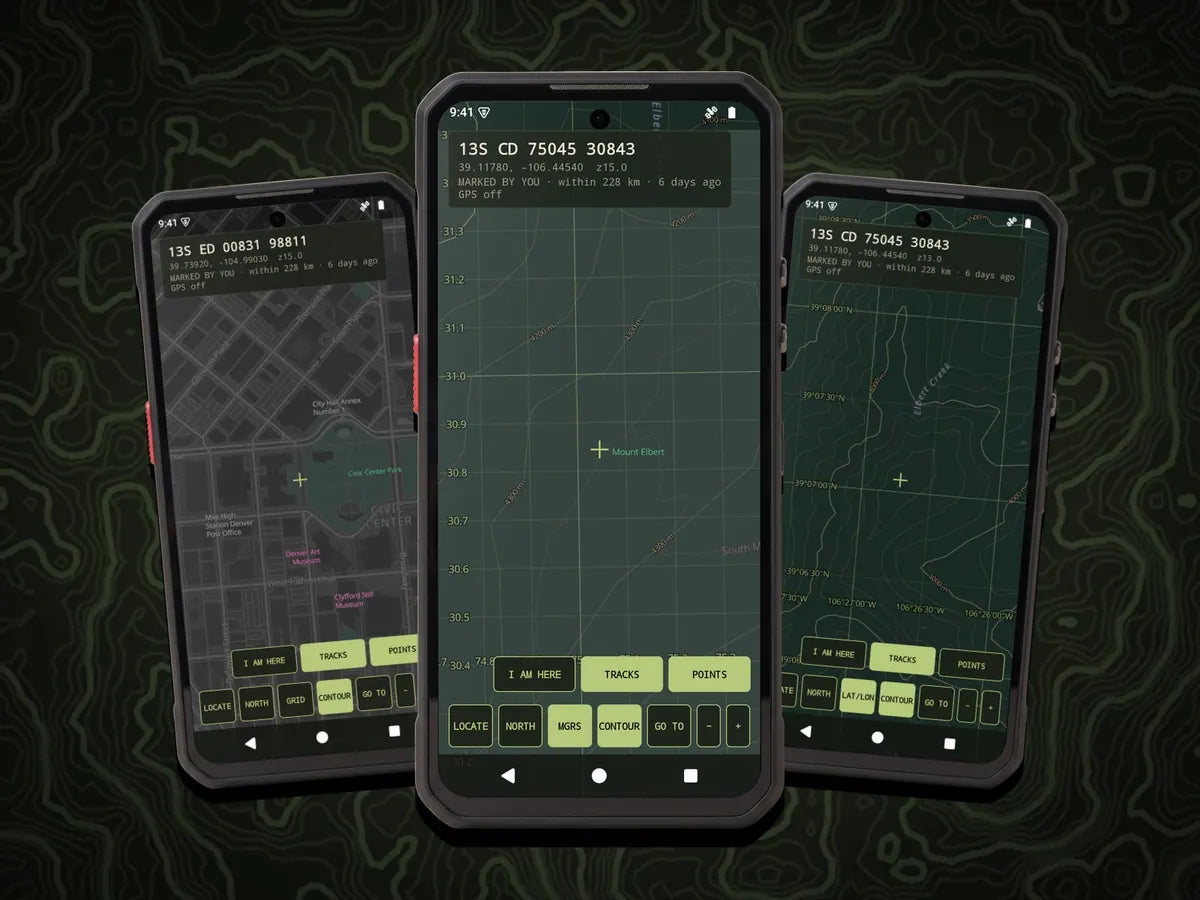
  • Three screens from Maps: downtown Denver at street level, contour lines on Mount Elbert, and a latitude and longitude grid.

    Maps

    The map is already on it.

    A world map, street-level maps of the United States and the UK, and contour lines for the backcountry. Jump to any coordinate, switch between a military grid and latitude and longitude, and mark where you are. GPS needs no cell signal once you turn Location on.

    • A world map, plus street-level maps of the lower 48 states, Alaska, Hawaii and the UK.
    • Contour lines for the United States and the UK.
    • MGRS or latitude and longitude grid, and go-to by coordinate.

    Read from the device on November 11, 2026.
    More screens of Maps

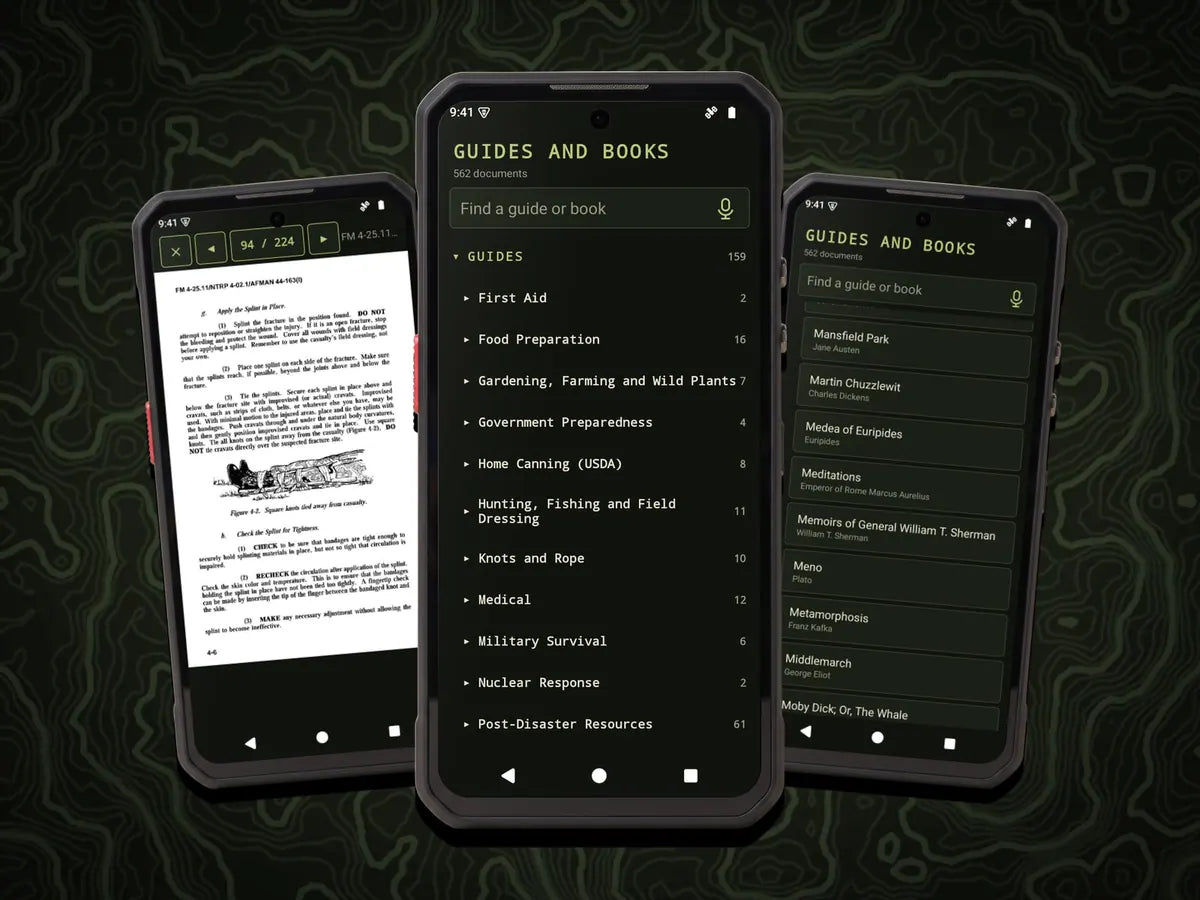
  • Three screens: a page from an Army first aid manual, the shelves of guides, and a list of classic books.

    Guides and Books

    A shelf of manuals in your pocket.

    Field manuals and how-to guides sorted by shelf: first aid, water, food, knots, canning, gardening and more. College textbooks. Hundreds of classic books. Open one and read it, page by page.

    • More than 150 guides and manuals, sorted by shelf.
    • 39 college textbooks.
    • More than 360 Great Books.
    • NHS Medicines A to Z, saved for reading offline.

    Read from the device on November 11, 2026.
    More screens of Guides and Books

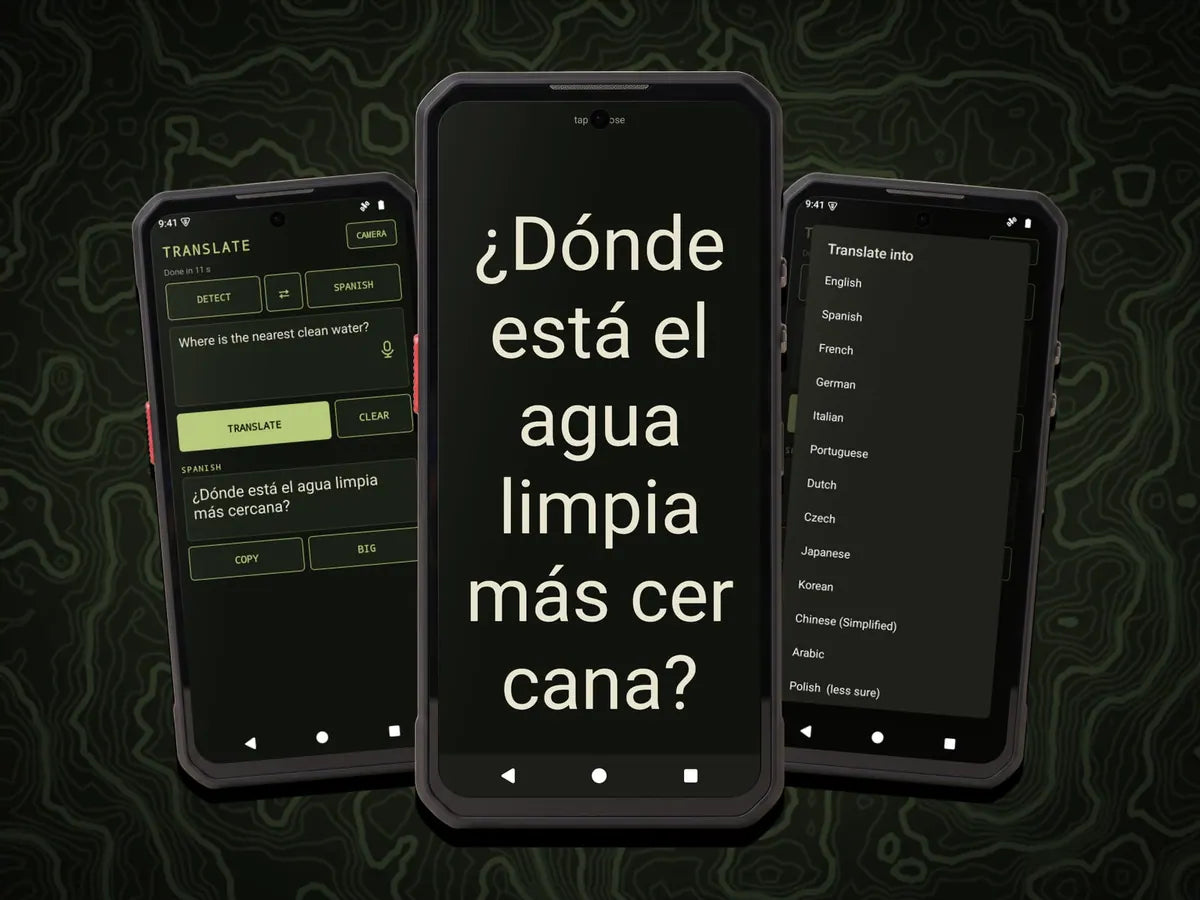
  • Three screens from Translate: an English sentence turned into Spanish, the same answer in large type to show someone, and the language list.

    Translate

    Read the sign. Say the sentence.

    Point the camera at printed text in another language and read it in English. Or type or speak a sentence and get it in another language, big enough to show someone.

    • English and 25 other languages, with Chinese in two scripts.
    • A typed English sentence came back in Spanish in 12 seconds on the device.

    Read from the device on November 11, 2026.
    More screens of Translate

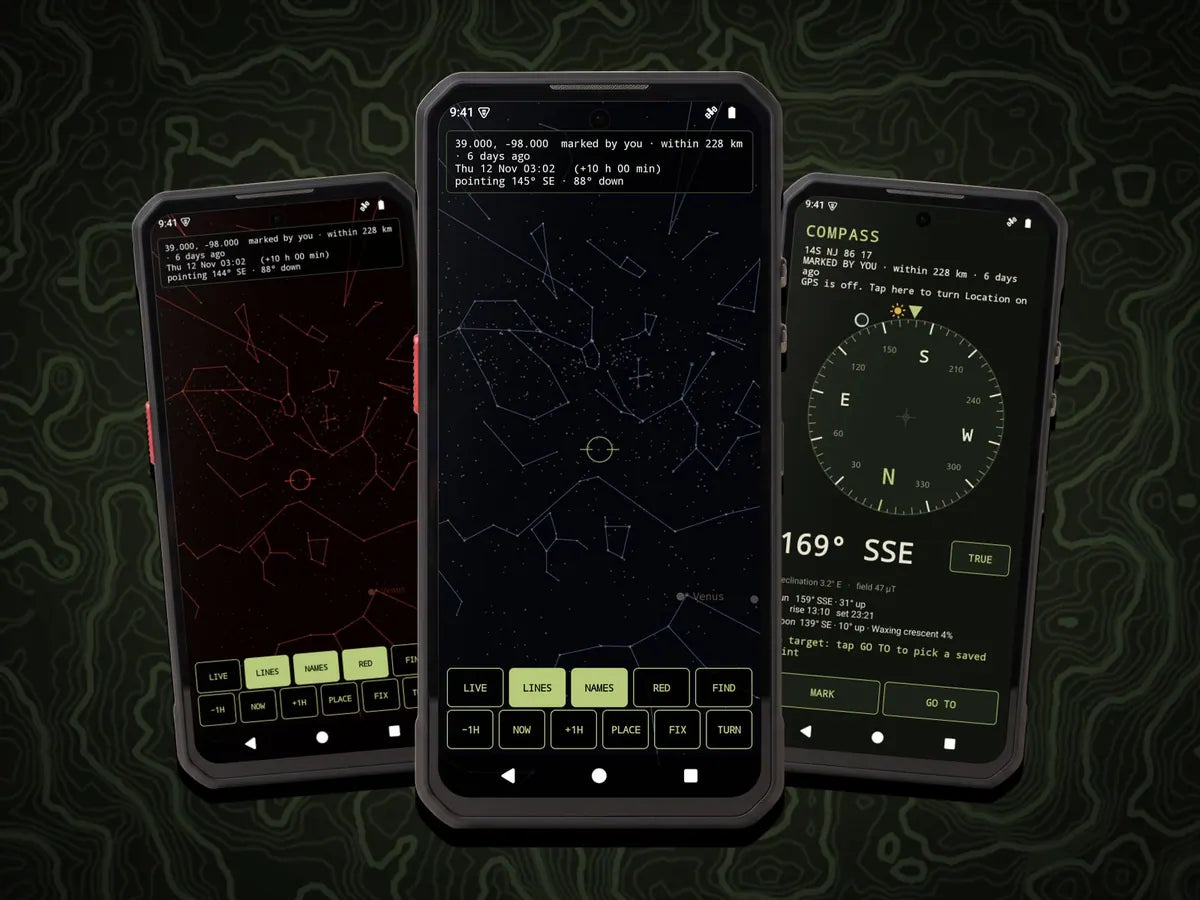
  • Three screens: the sky map in red night mode, the sky map with names, and the compass reading 169 degrees.

    Sky Map

    The night sky, named.

    Stars, planets, sun and moon for where you are and the time you pick, with constellation lines and a red mode that keeps your night vision. With no GPS, it can work out roughly where you are from the stars or the sun.

    • A red night mode.
    • A fix from the stars or the sun is good to about 100 to 300 km. In the app’s own words: "the region, not the street".

    Read from the device on November 11, 2026.
    More screens of Sky Map

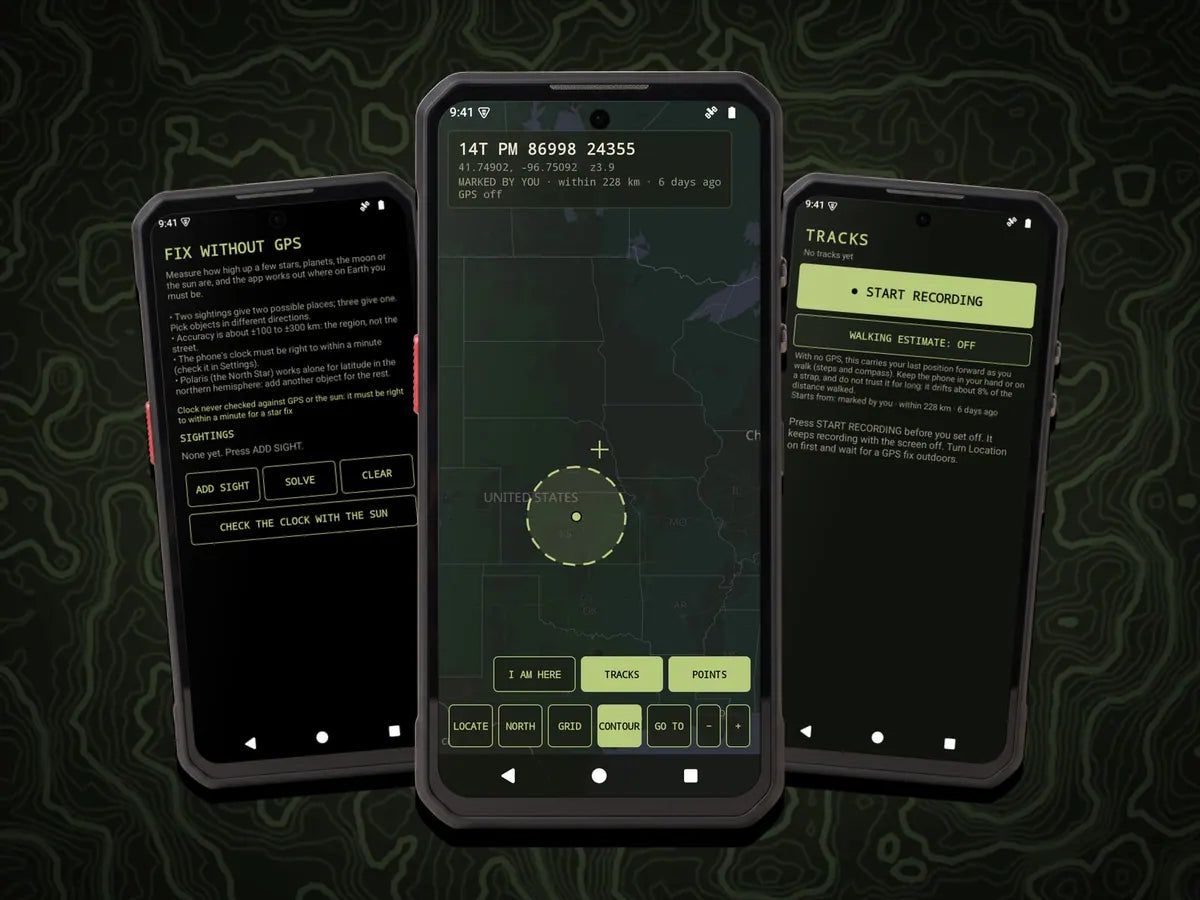
  • Three screens: the star-fix screen, a map with a best-known position and its uncertainty circle, and the walking estimate in Tracks.

    Position without GPS

    No GPS? It still has a best guess.

    Mark where you are on the map and it keeps a best-known position with an honest uncertainty circle. A walking estimate carries it forward by your steps, and Sky Map can take a rough fix from the stars or the sun. It is a backup, not a replacement for GPS.

    • The uncertainty circle is drawn on the map.
    • A fix from the stars or the sun is good to about 100 to 300 km.

    Read from the device on November 11, 2026.
    More screens of Position without GPS

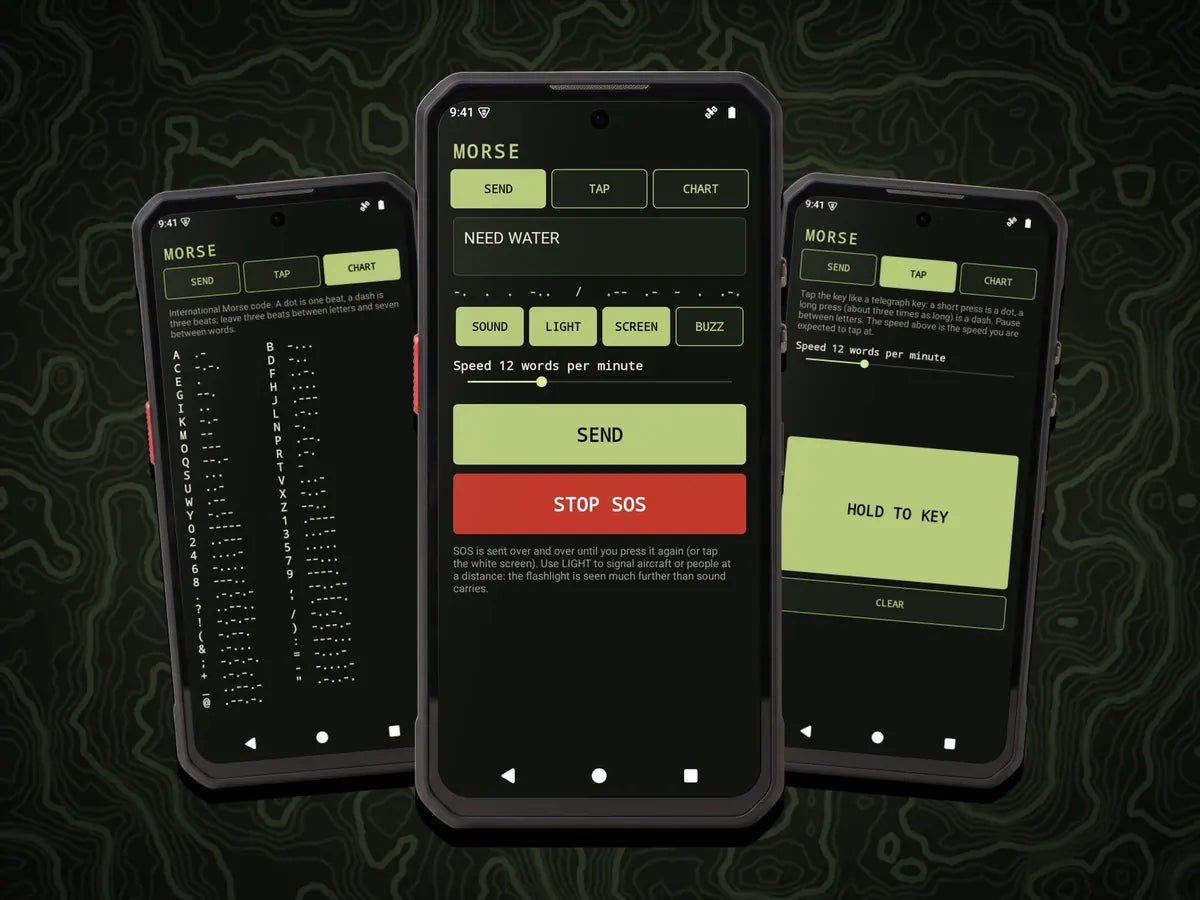
  • Three screens from Morse: the code chart, a message being sent, and the tap key.

    Morse

    SOS with one press.

    Turns a message into Morse as sound, flashlight, screen flashes or vibration. One button sends SOS over and over until you stop it. It also reads Morse you tap in.

    • Sound, light, screen and vibration, with a one-press SOS.
    • It reads Morse tapped on the screen.

    Read from the device on November 11, 2026.
    A signal reaches people who can see or hear it. It is not a call for help over a network.

    More screens of Morse

See all nineteen apps

The hardware

Built for the glove box and the bottom of the bag.

OffGridOne is a rugged Android device. We do not make the handset. We load it and test it. The numbers below are the maker’s unless we say who measured them.

10,000 mAh
Battery, per the manufacturer
7.2 in
Screen. HD+, 120 Hz, per the manufacturer
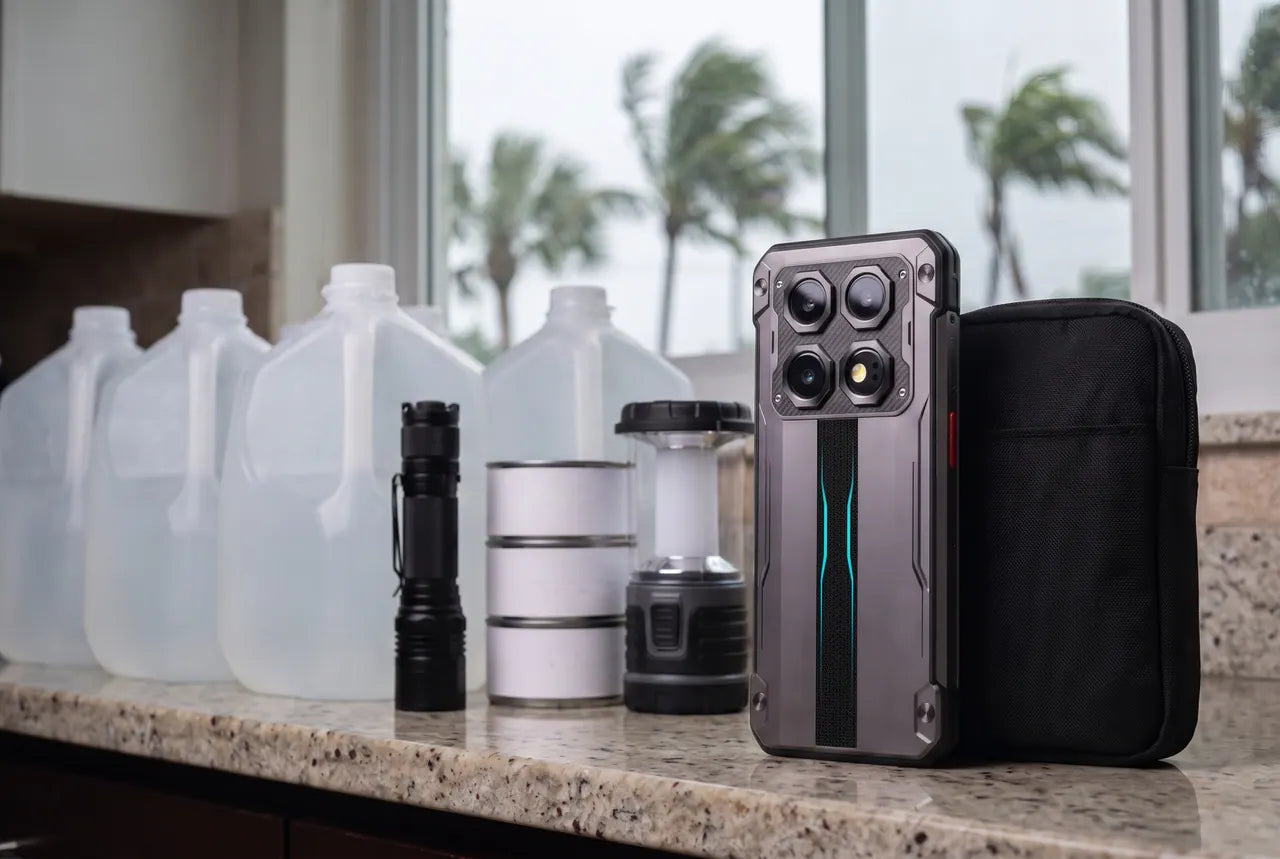
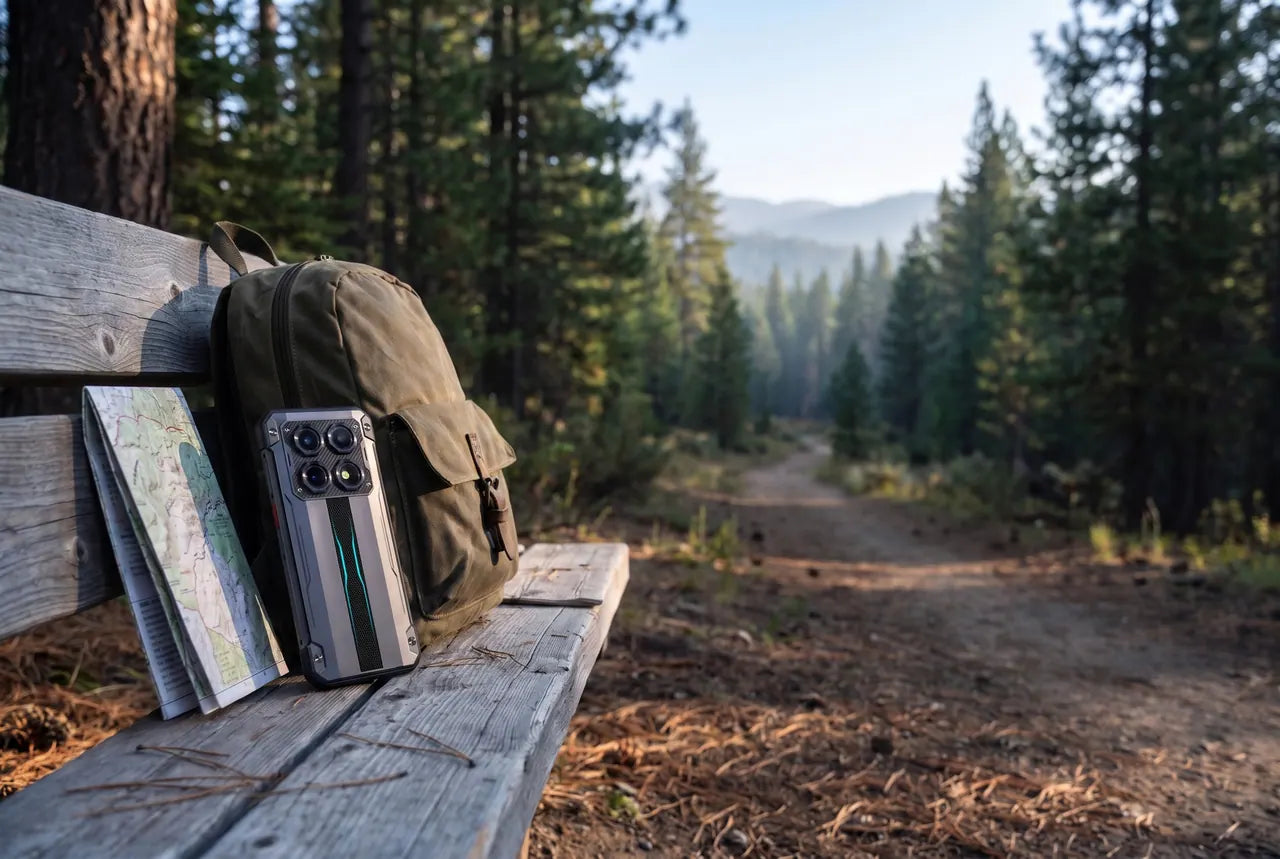
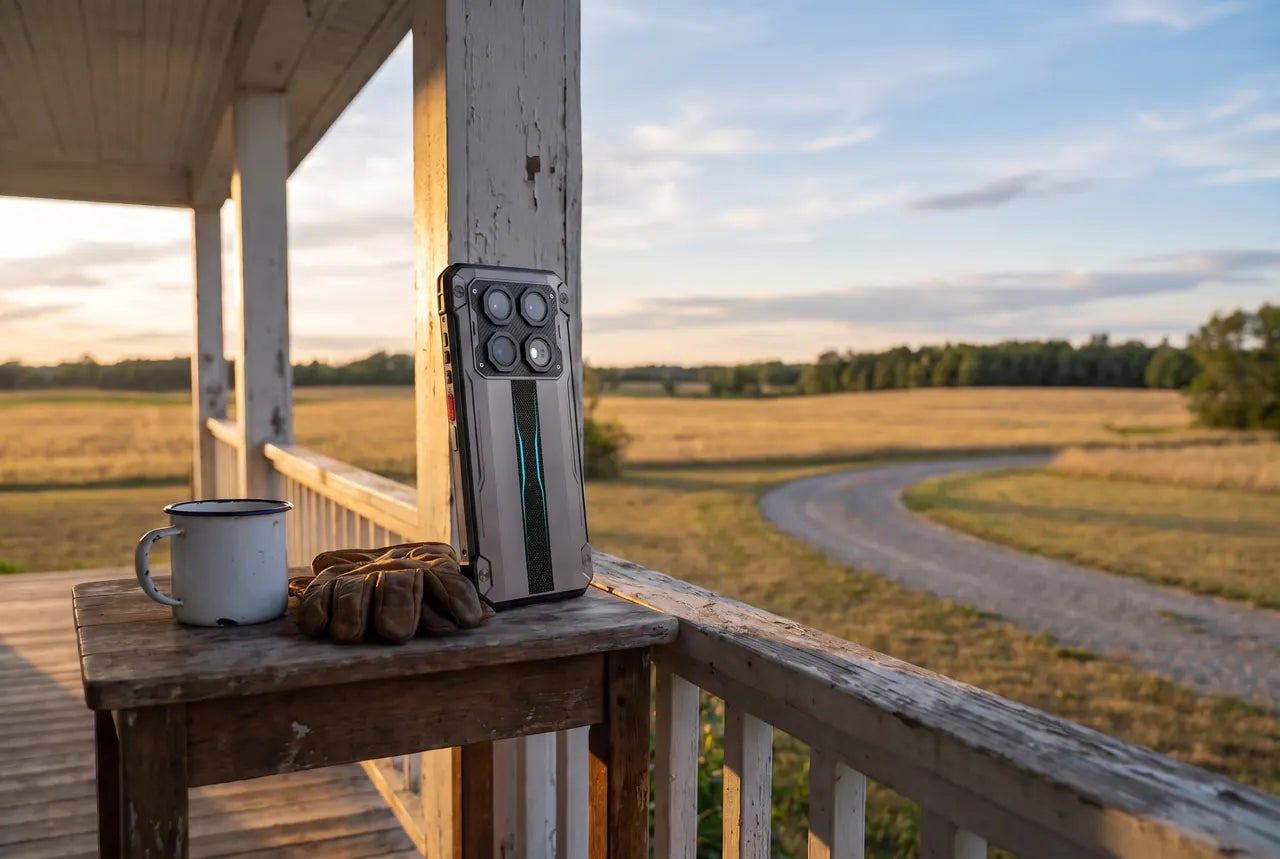
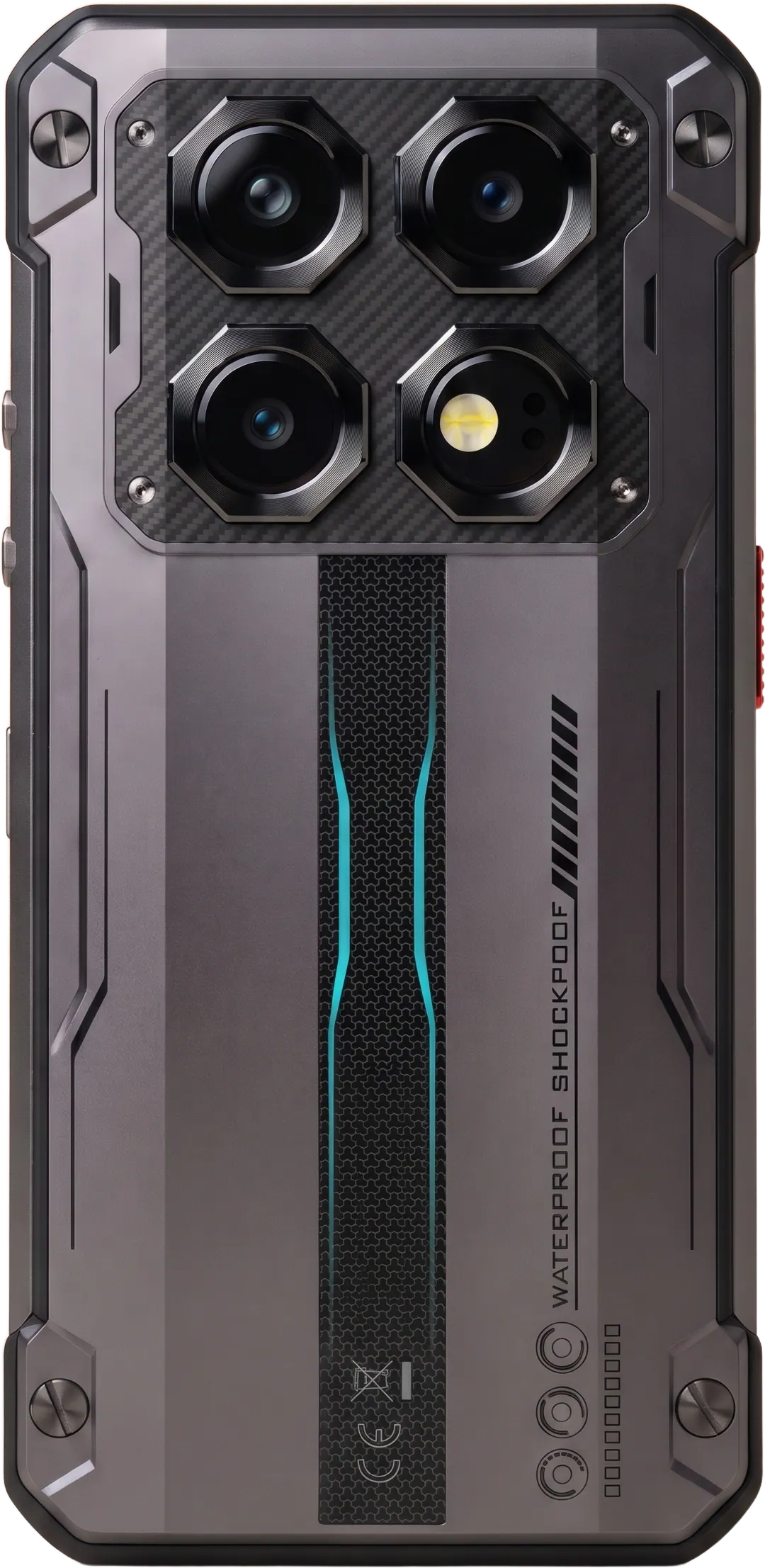
Back of the OffGridOne offline AI survival device: four camera housings above a black center stripe with two green lines
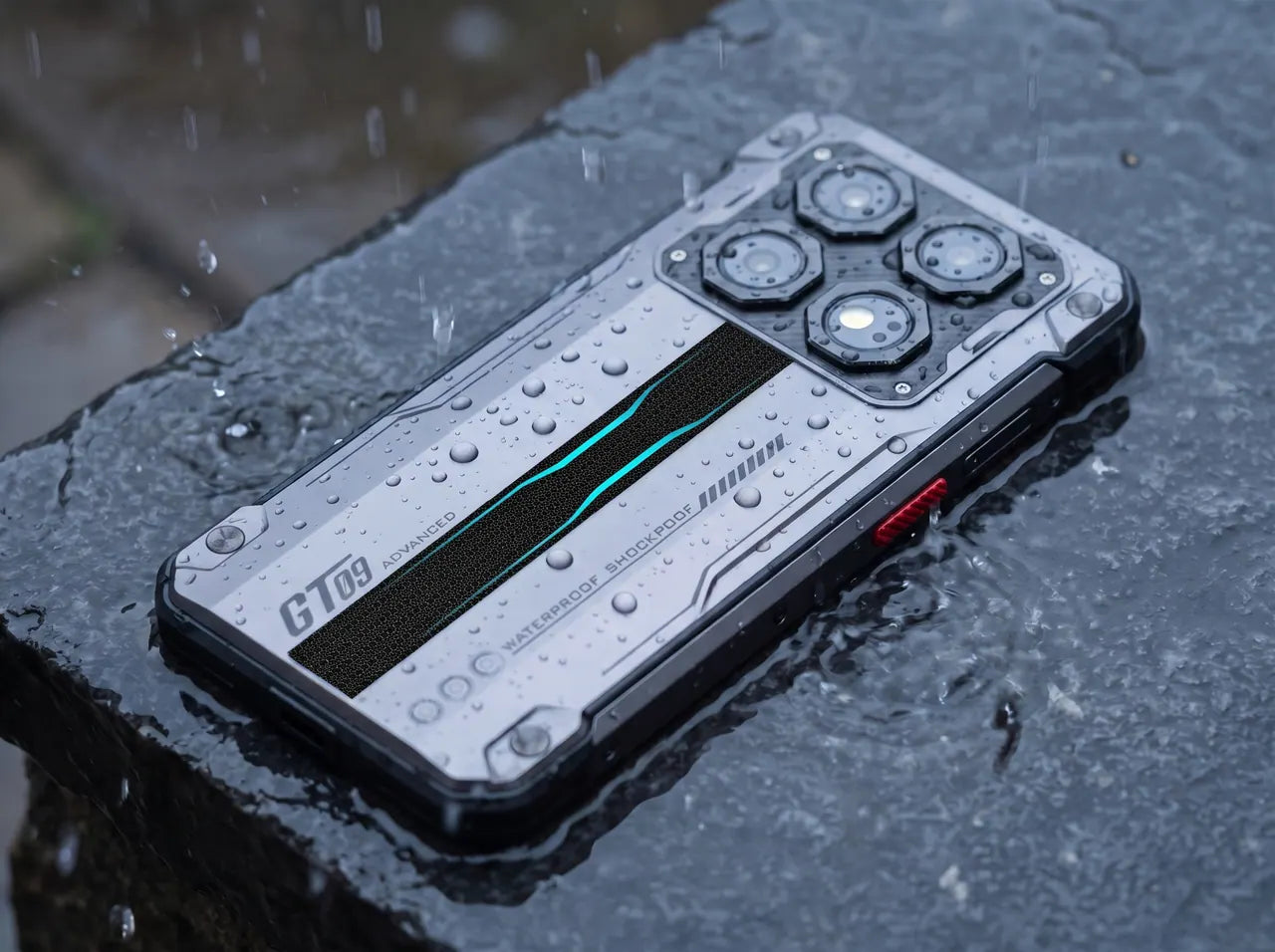
IP68 + IP69K
Rated for water and dust, per the manufacturer
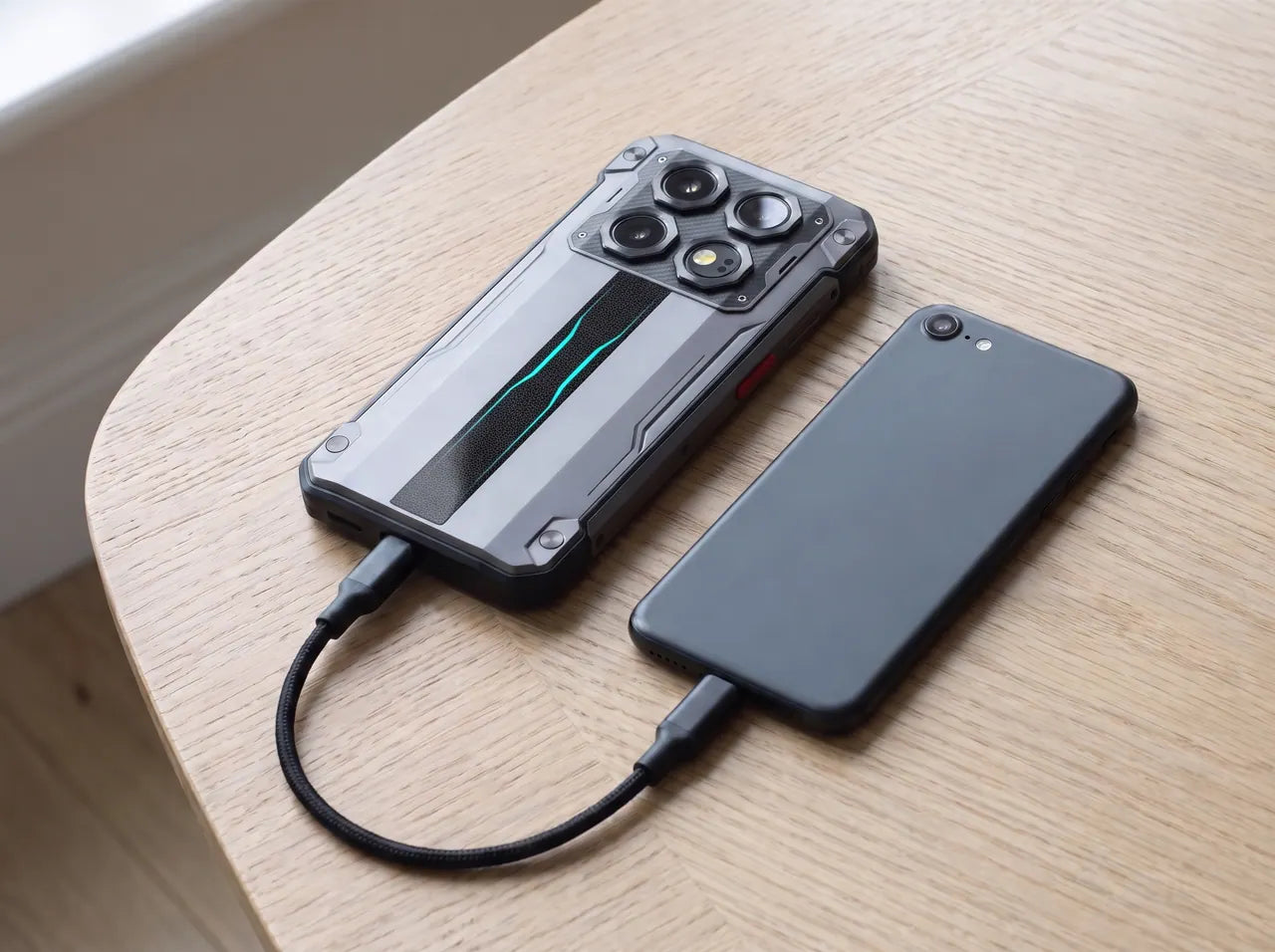
7 W
Charges another device over a cable, per the manufacturer
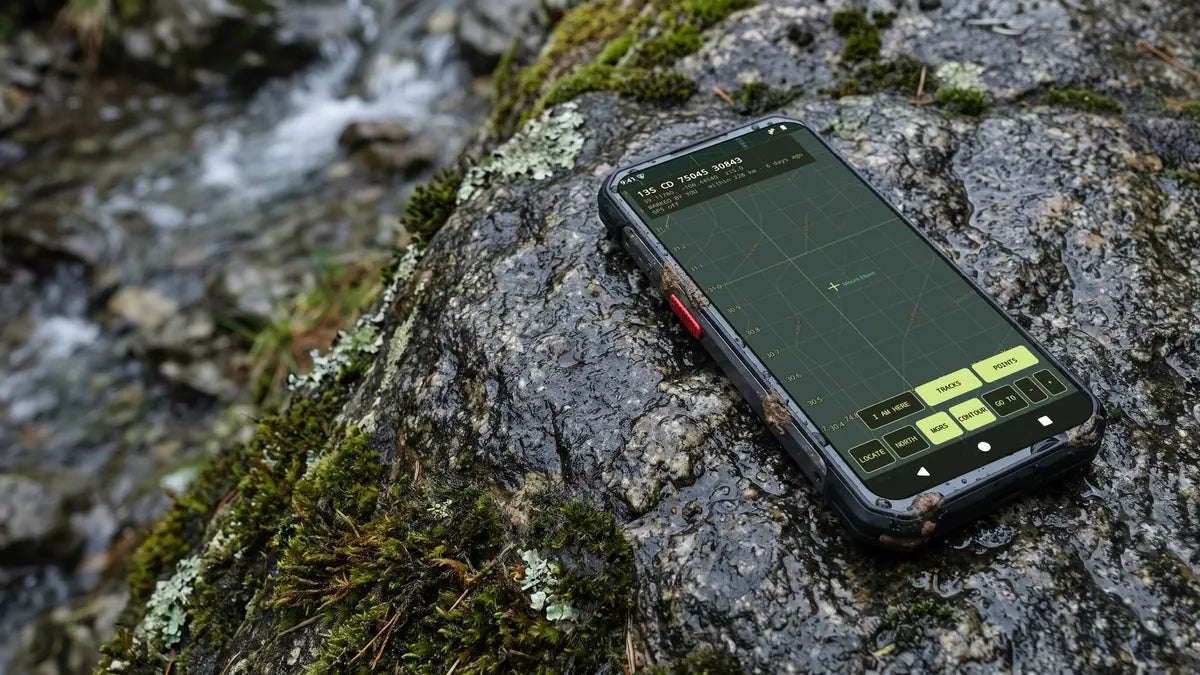
The OffGridOne device lying wet on a mossy rock beside a stream. The screen shows a real contour map of Mount Elbert with a grid reference.
Rated IP68 and IP69K, per the manufacturer. On the screen: a real contour map from the device.
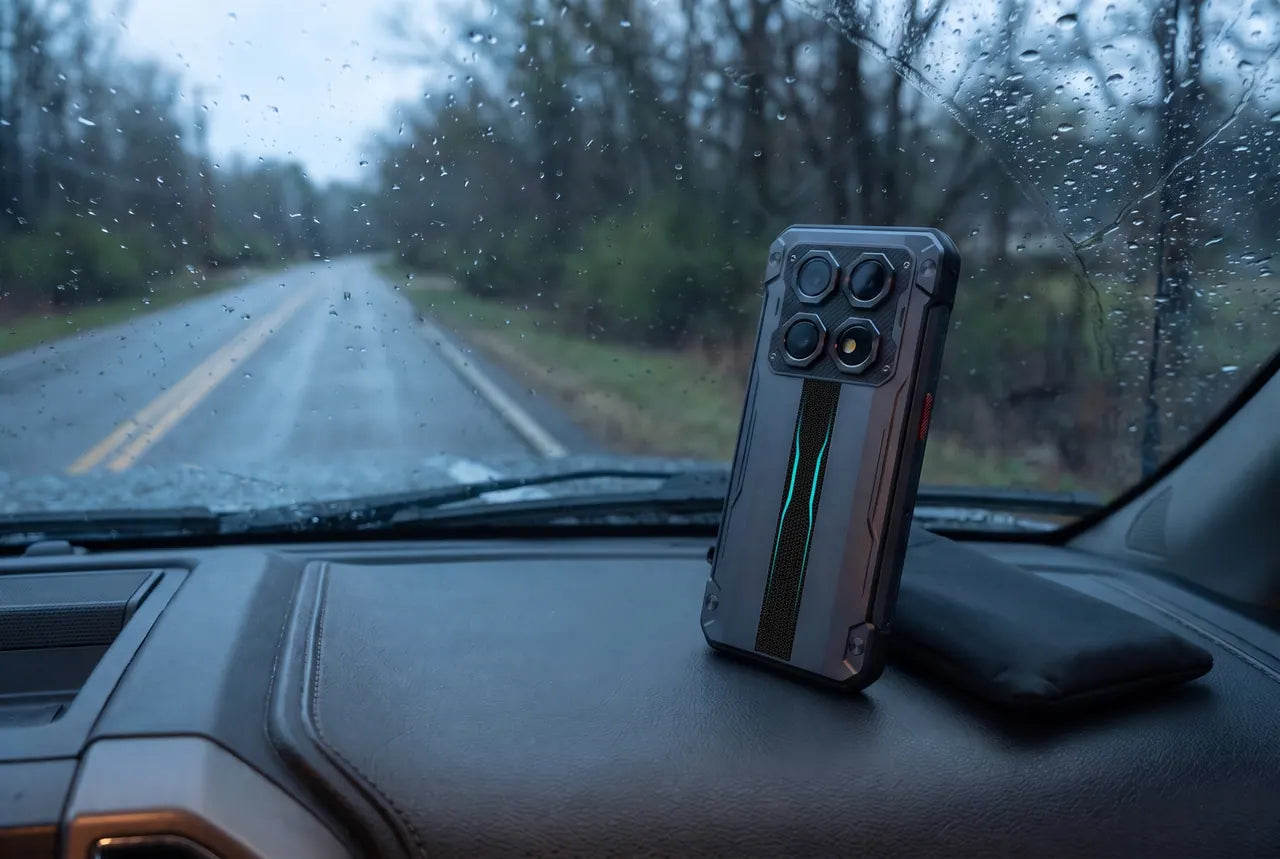
  • OffGridOne offline AI survival device lying on wet stone in the rain, covered in water drops
    Rated IP68 and IP69K, per the manufacturer.
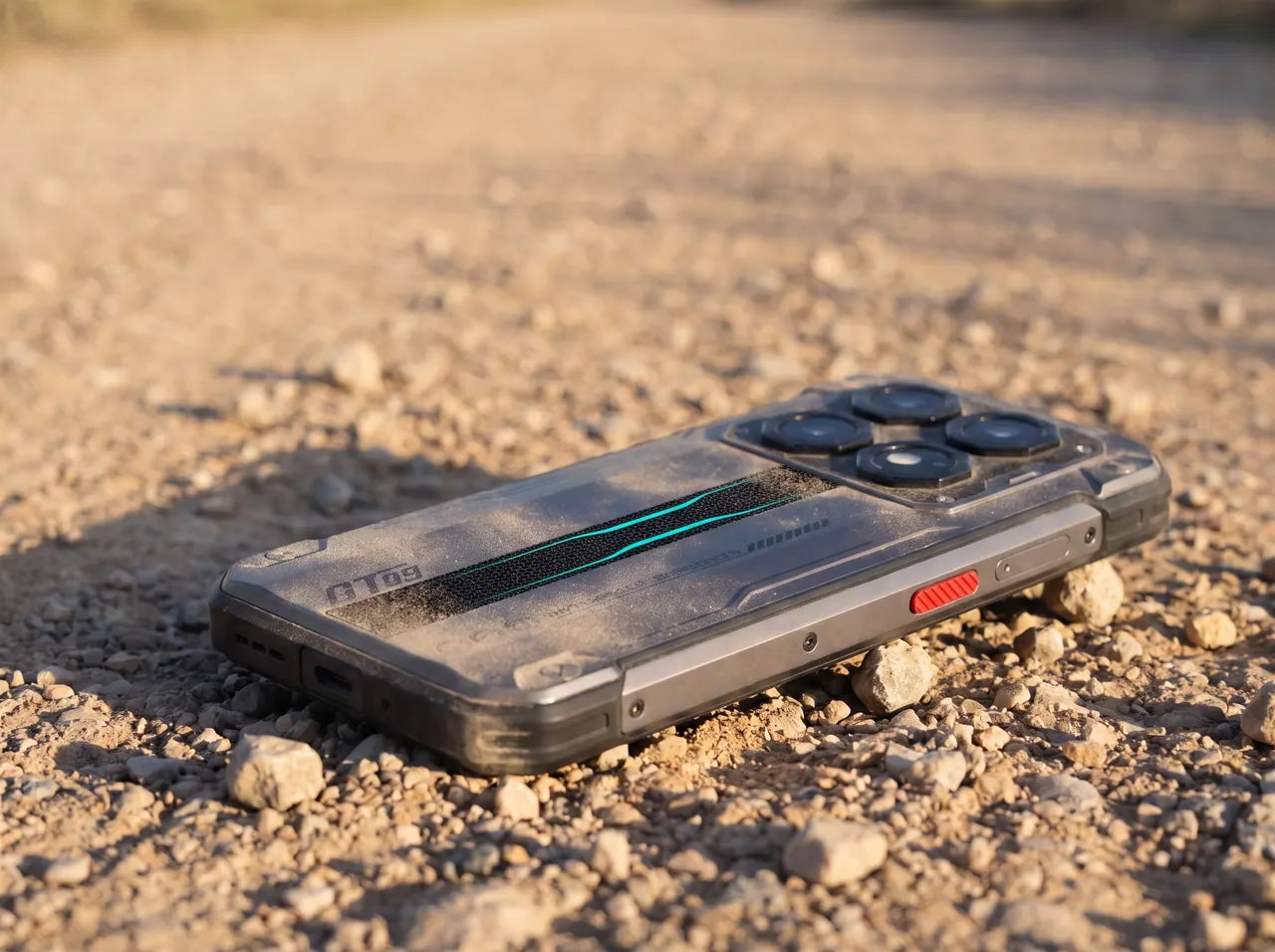
  • OffGridOne offline AI survival device lying on a dusty gravel road
    Rated to MIL-STD-810H, per the manufacturer.
  • OffGridOne offline AI survival device charging a smaller phone over a USB-C cable
    Tops up your everyday phone over a cable.

See every spec

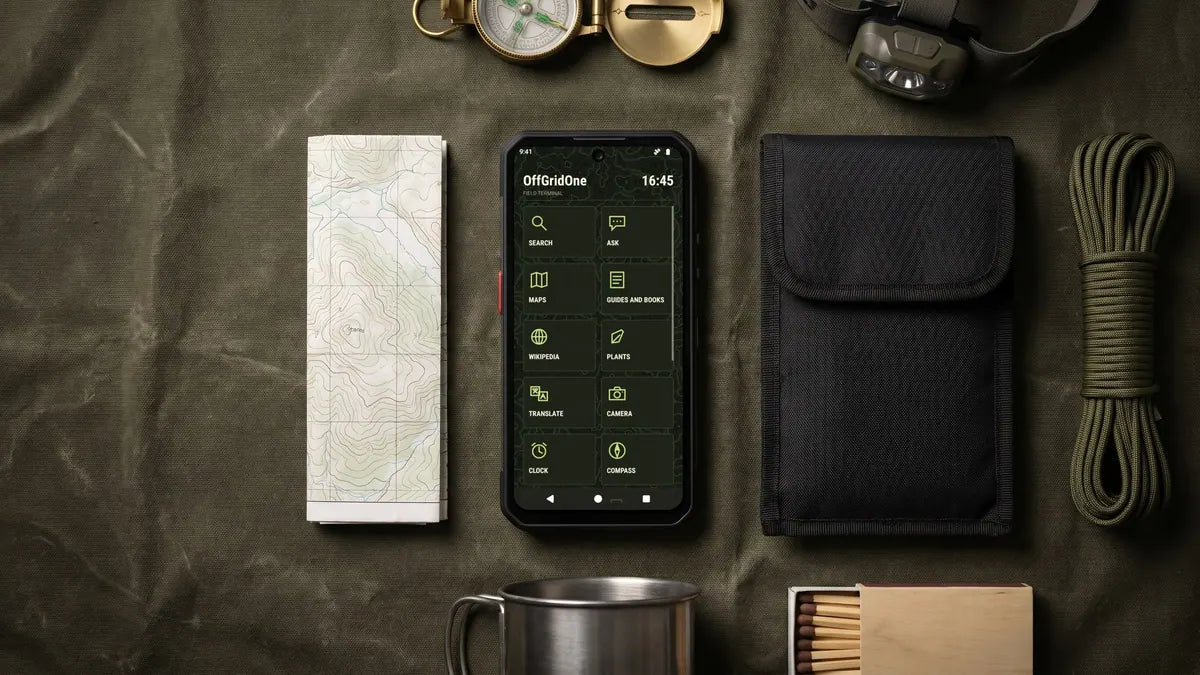
The OffGridOne device face up on olive canvas beside a black signal-blocking pouch, a paper map, a compass, a headlamp, cord, a mug and matches. The screen shows the real home screen with its app grid.
Where it lives: in its bag, with the rest of the kit. Charged, switched off, and ready for the day you need it. The picture is an illustration. The home screen on the device is real.

The Faraday bag

It comes with its own place to wait.

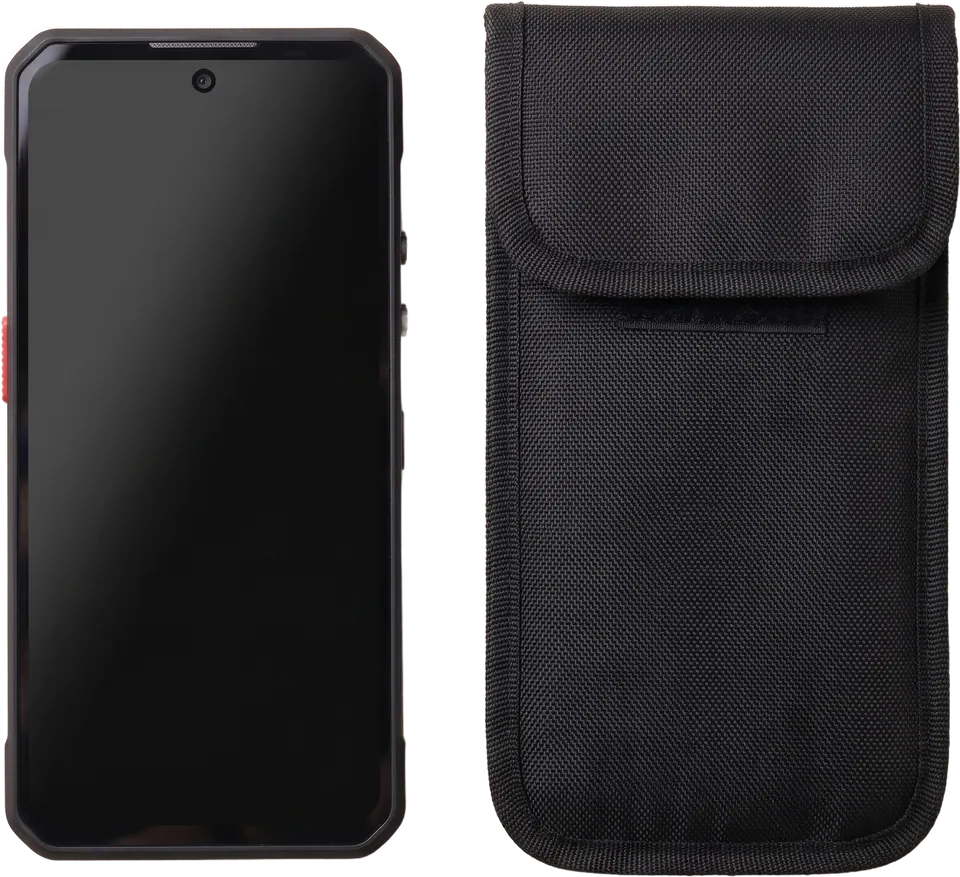
Every order includes a Faraday bag, so the device has one fixed home and everyone in the house knows where it is. A Faraday bag is made to block radio signals while it is sealed.

  1. Charge it to about half

    Then switch it off. A device stored full or empty wears its battery faster.

  2. Seal it in the bag

    Fold the top closed all the way. Put it where you keep the flashlight.

  3. Top it up each season

    Take it out, check it, charge it back to about half. Put a reminder on the calendar.

How the bag works, and how to test it

In the box

Open the box and the plan is done.

Each device is loaded and tested before it ships. In every order:

  • OffGridOne device
  • USB-C cable
  • charger
  • Faraday bag
The OffGridOne offline AI survival device and its Faraday bag, side by side

How it compares

An app, a stick, a box, or a device that is ready.

Most offline AI products are an app for the phone you already carry, a USB stick that needs a computer, or a Wi-Fi box that needs a second device. OffGridOne is the device itself. An app is still a good idea. Do both. Other phones and devices with offline AI exist, and we name them.

  • Needs the phone you already carry

    An offline AI app

    A good idea, and often free. It lives on the phone you run down hunting for a signal.

  • Needs a working computer

    A USB stick

    A library on a drive. It is no help if the laptop is dead or left at home.

  • Needs a second device to read it

    A Wi-Fi library box

    A small server you join over Wi-Fi. Two devices to keep charged, not one.

  • Needs nothing else

    OffGridOne

    A device with its own screen and battery, loaded, tested, and waiting in its bag.

See the full comparison

Price

Everything that comes with it.

There is no subscription and there are no ongoing fees.

  • The device

    Rugged, with its own screen and battery.

  • The AI Survival Engine

    On the device, answering with no internet.

  • The library, maps and tools

    The full English Wikipedia, offline maps, a translator, a plant finder and more, on every unit.

  • The Faraday bag

    A fixed home for the device, included with every order.

  • Setup and testing

    Each device is loaded and tested before it ships.

Offline AI survival device

OffGridOne

$999.99Estimated lead time: 1 week before dispatch.

Faraday bag included with every order.

In the box

  • OffGridOne device
  • USB-C cable
  • charger
  • Faraday bag
Shipping
Standard shipping is included with your OffGridOne order. Carrier transit time is additional to the estimated one-week lead time. Details
Returns
30-day returns from delivery. Buyer pays return postage unless the item is defective. Details
Warranty
One-year limited warranty from delivery, provided by OffGridOne (ArkNet Solutions Inc.). Details
Fees
no subscription and no ongoing fees Details

Questions people ask before they buy

Does it really work with no internet?

Yes. The AI runs on the device and answers with no internet and no cell service.

You can check this yourself. Switch on airplane mode, then ask a question. Each unit is set up and tested before it ships.

Can I use it to call for help?

No. OffGridOne is a reference, not a way to call for help. It has no satellite messaging.

If you need to reach people where there is no signal, carry a satellite messenger as well. See how the two compare. If you can reach 911, call.

How fast does it answer?

Not instantly. A full answer takes time, and the measured speed on a real unit is 24 to 57 seconds, measured on the device on November 11 and 15, 2026.

The answers on this site show a whole answer at once. Each one carries the time the device took, from the app's own timer.

Can the AI be wrong?

Yes. Any AI can give an answer that is wrong or incomplete.

Use it as a reference, not an expert. Check anything that matters against an official source, and if you can reach 911, call.

Is there a subscription or any ongoing fee?

There is no subscription and there are no ongoing fees.

The same answer sits beside the price on the product page.

Will the battery drain inside the bag?

It can, if the device is left on. A phone with no signal keeps searching for one, and that drains the battery.(NPS Hike Smart)

Switch it off or use airplane mode before you seal the bag. A drain test inside the bag has not been published yet.

Why not use a library app on the phone I already have?

OffGridOne is a separate device with its own battery and screen. It is loaded and tested before it ships, and it waits in its Faraday bag.

Your everyday phone stays free for everything else, and it is the one you run down looking for a signal. See how offline apps compare.

All questions

Put it with the flashlight. Hope it stays there.

It is not a way to call for help, and it is not a doctor. It is something to ask when you can’t look anything up.

$999.99Estimated lead time: 1 week before dispatch.

Shipping: Standard shipping is included with your OffGridOne order. Carrier transit time is additional to the estimated one-week lead time.Returns: 30-day returns from delivery. Buyer pays return postage unless the item is defective.Warranty: One-year limited warranty from delivery, provided by OffGridOne (ArkNet Solutions Inc.).Fees: no subscription and no ongoing fees

Not ready? Take the checklist.

A printable 72-hour outage checklist, built from Ready.gov, CDC and Red Cross guidance.

OffGridOne

$999.99Estimated lead time: 1 week before dispatch.

Faraday bag included
Buy now